

Pads
Build boards of sound pads for each service. Tap to play, play several at once, and see what’s running at a glance.
SamplePad for iPhone, iPad and Mac
The live soundboard for worship teams. Pads, loops, swells and count-ins are ready the moment the band needs them, and one button stops everything.


Features
SamplePad looks and feels like it came with your iPad: native controls, big targets and clear states you can read from the side of the stage.
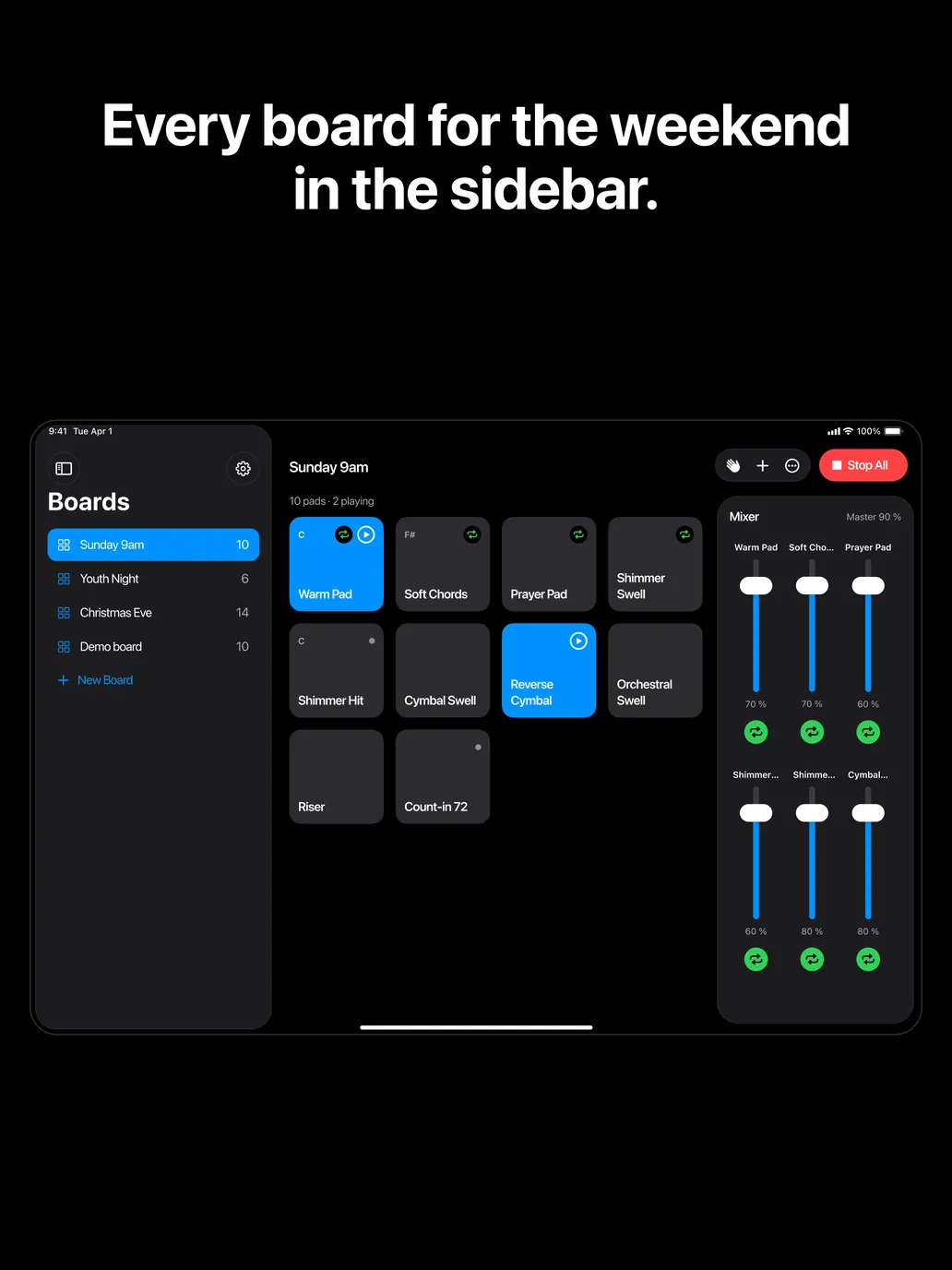
Build boards of sound pads for each service. Tap to play, play several at once, and see what’s running at a glance.
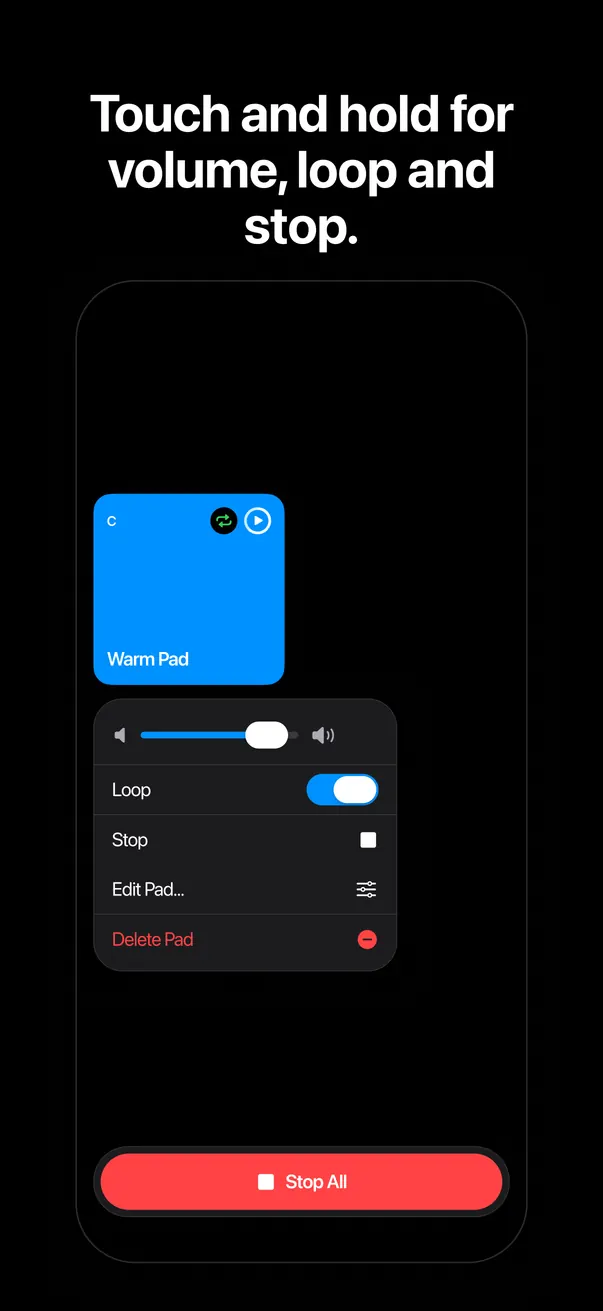
Loop a pad under a prayer or a transition. Switch loop off and it finishes the current pass instead of cutting out.
One button, always visible, silences every sound at once. On a keyboard it’s just Esc.
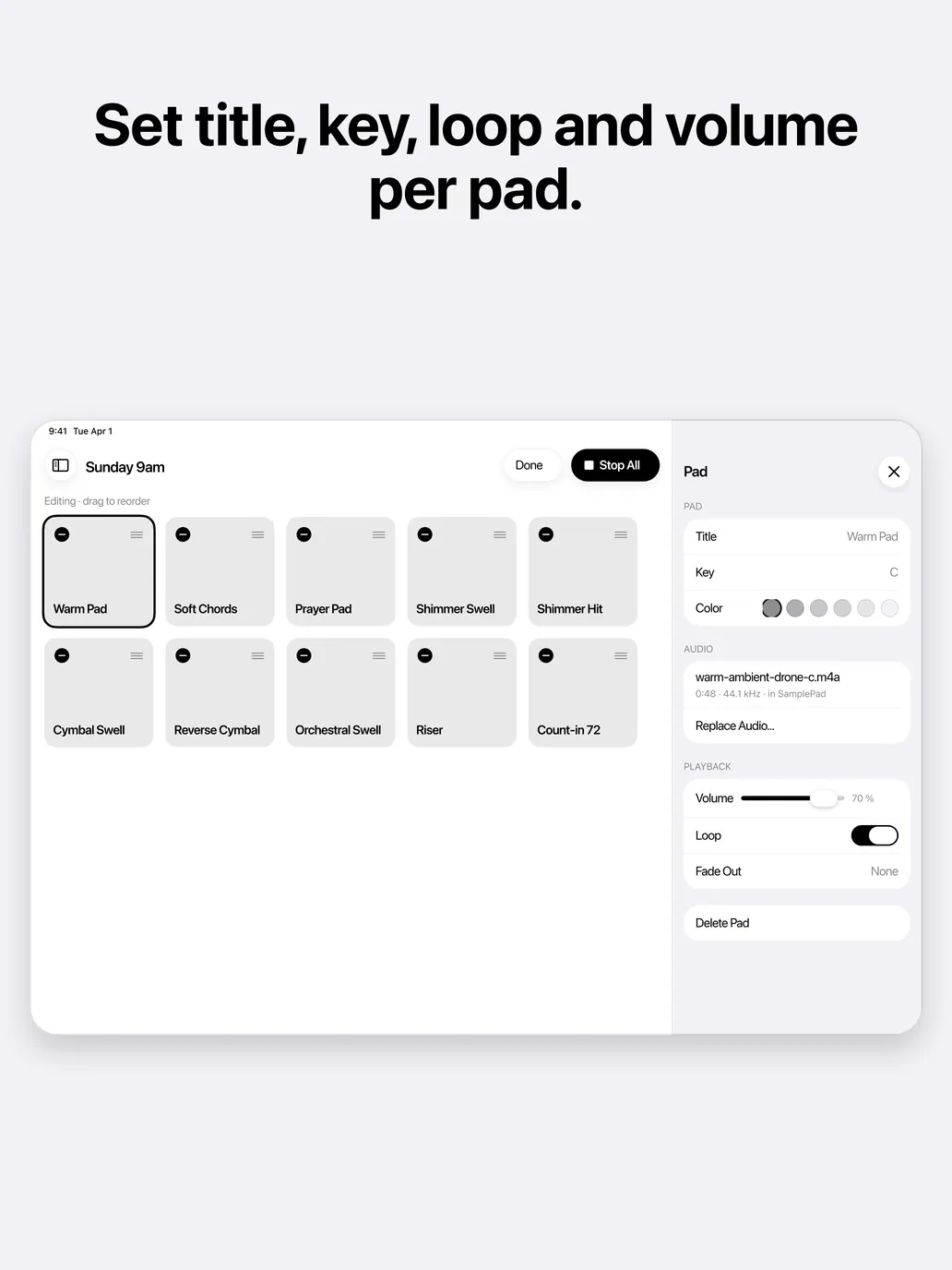
Every pad has its own fader, plus a master volume. On iPad the mixer sits beside the grid. On iPhone it’s one swipe away.
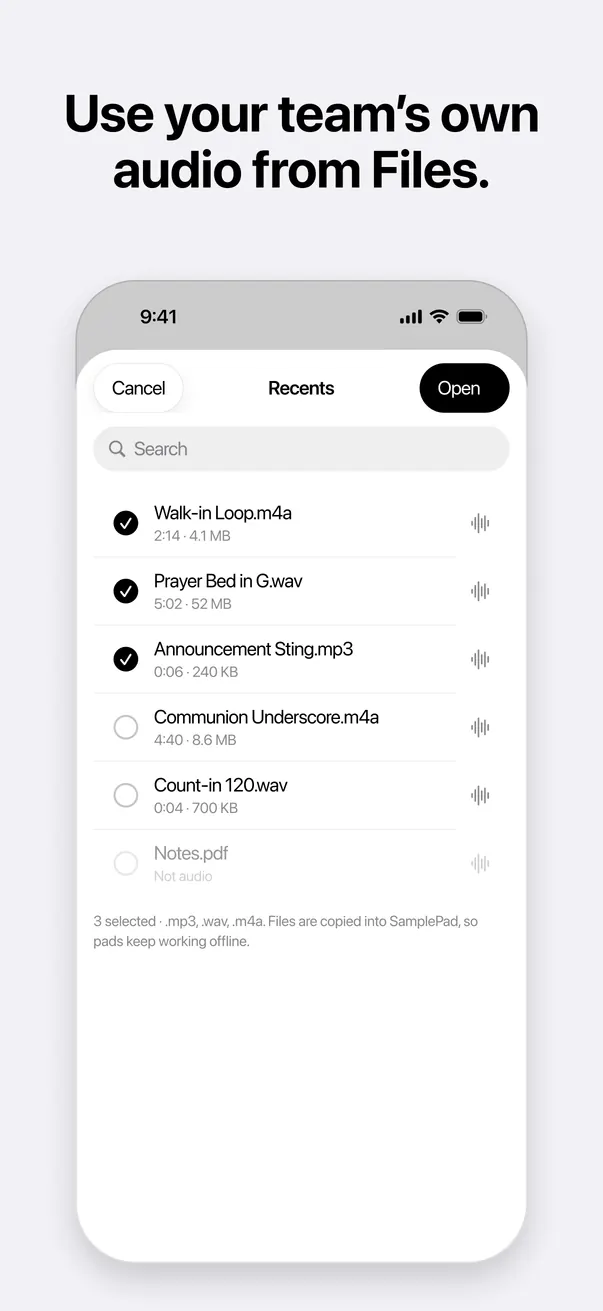
Bring in your own MP3, WAV and M4A files from the Files app. A demo board with free sounds is ready on first launch.
Sounds keep playing when you check the setlist in another app or the screen locks. Interruptions are handled for you.
VoiceOver labels every pad with its name and state. Dynamic Type, full keyboard control and high-contrast states come standard, in light and dark.

Mixer
Balance the pad under the keys, bring a swell up for the bridge, pull the master down for the sermon.

Stop All
A wrong cue, a long pause, a change of plan. Stop All is always on screen, never behind a menu, and silences every sound at once.
For worship teams
Pads under prayer and communion, swells into the chorus, a riser before the last song. One board per service.
Hits, transitions and walk-in loops, run by whoever is on the tech desk tonight.
Special services get their own board, ready to go and kept for next year.
Count-ins at the right tempo, a reference pad in the right key, and every cue in order.
Screens
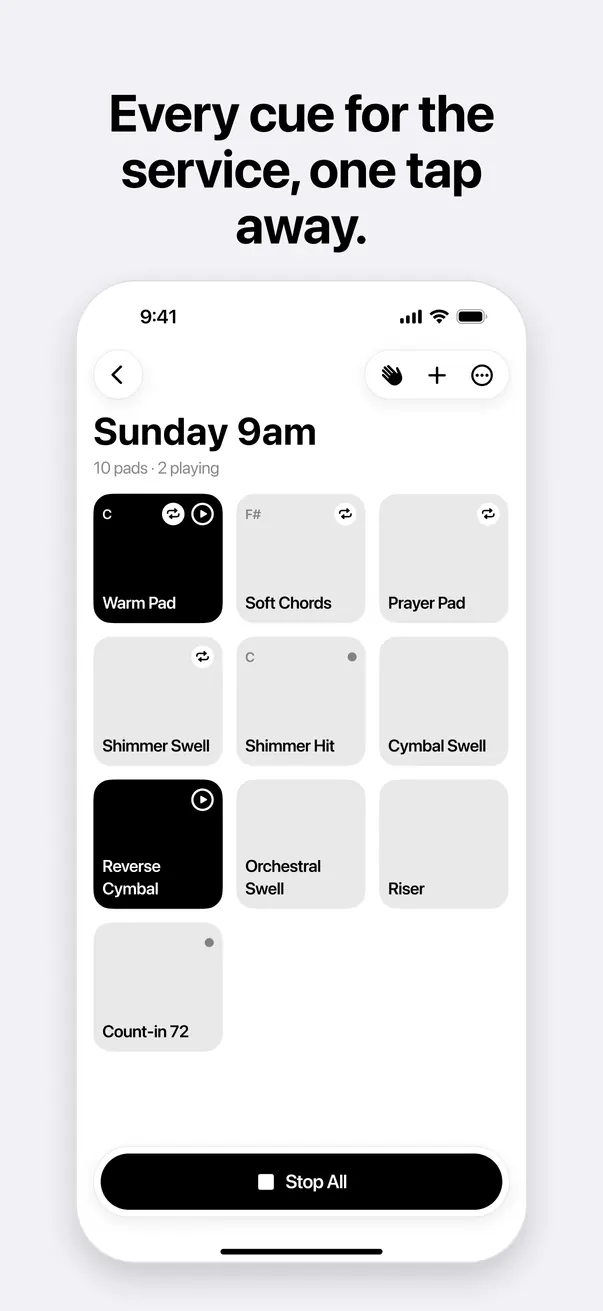
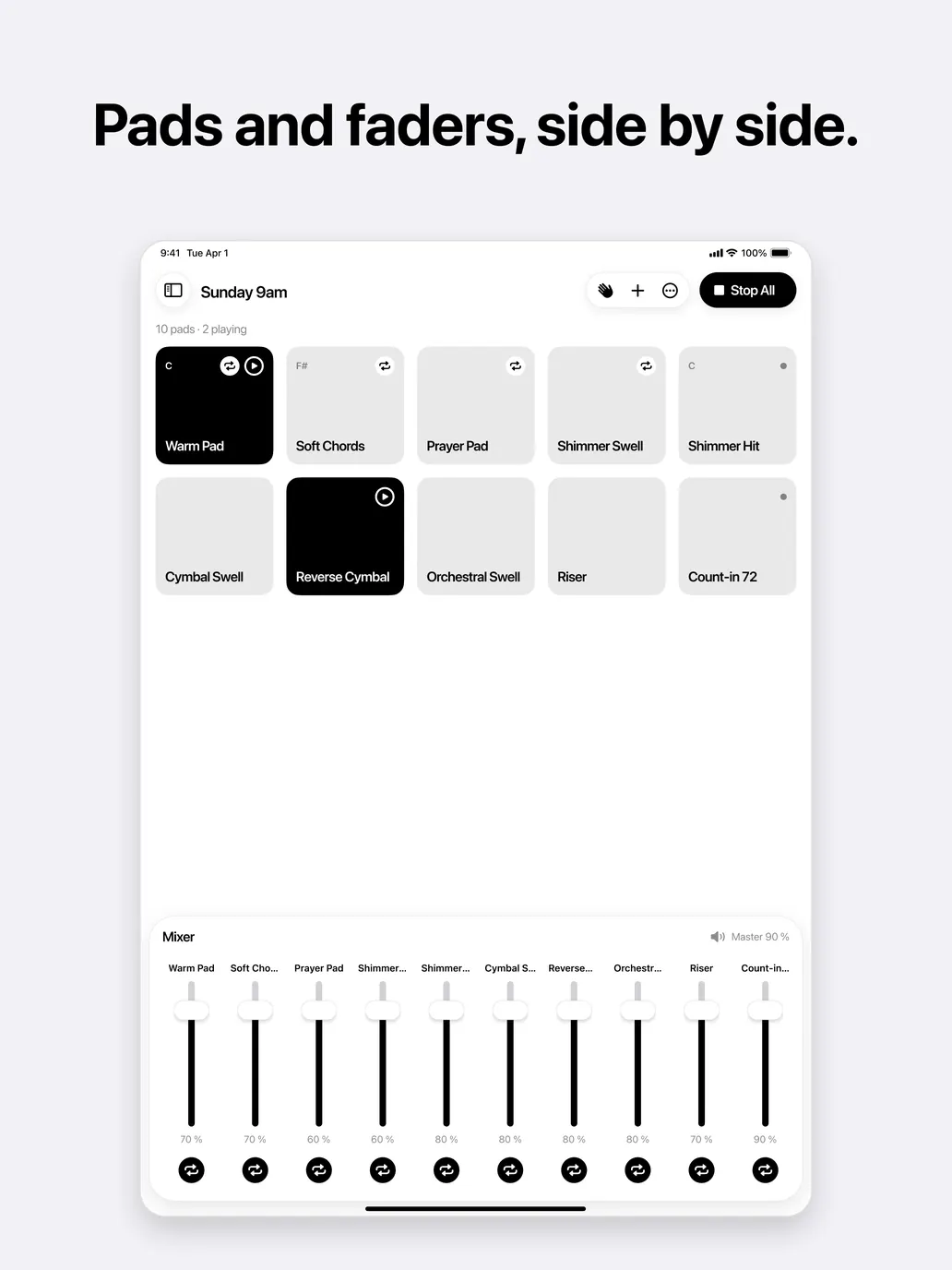
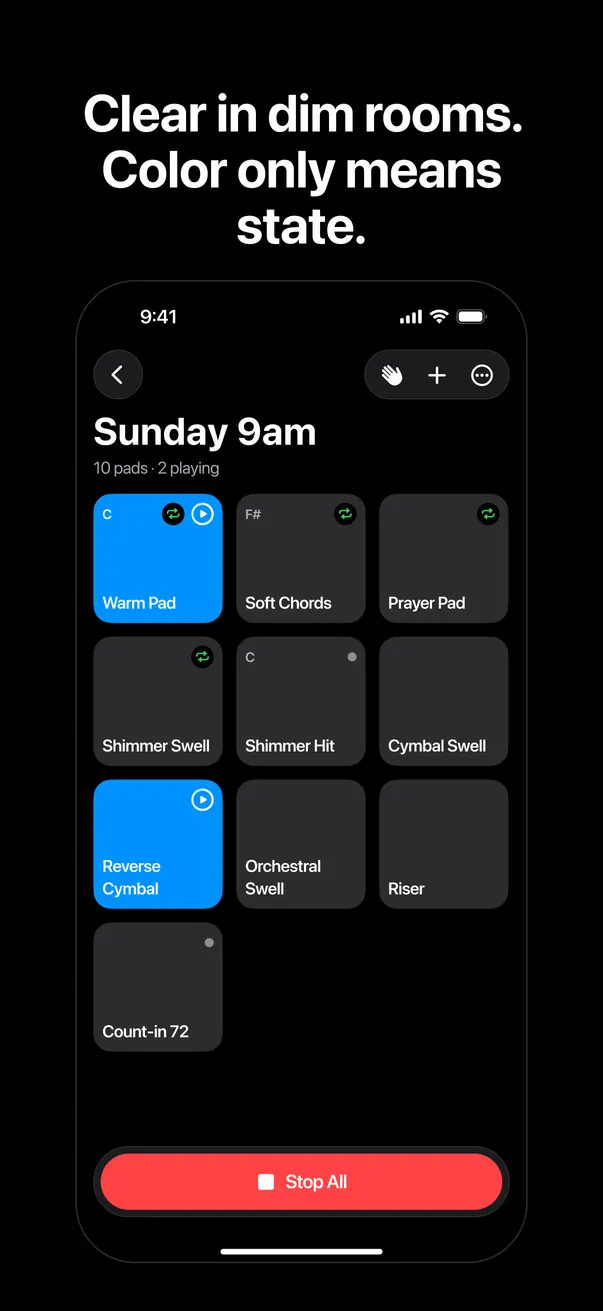
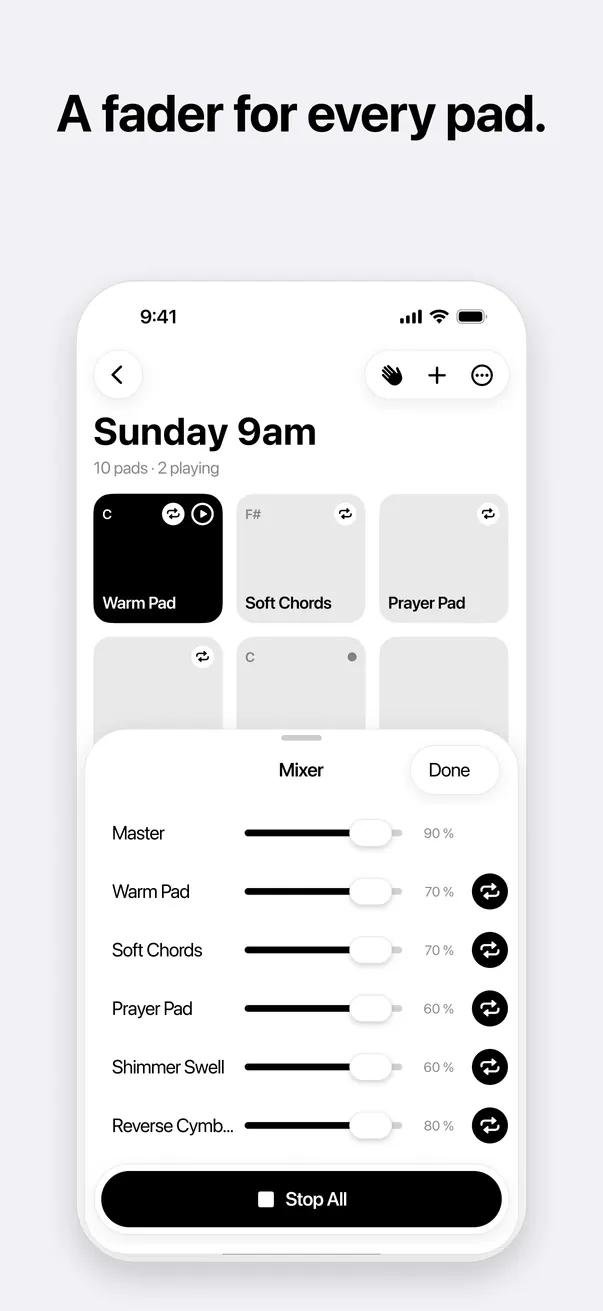
Screens are from the SamplePad design and may change before release.
Everywhere you play
The same boards, laid out for each screen: a pocket remote, a stage-side console, a desk at the back of the room.
Two to four columns in portrait, up to six in landscape, with Stop All at your thumb.
Up to eight columns, a board sidebar and a mixer panel. Works in Split View and Slide Over.
Runs on Apple silicon Macs as an iPad app, with keyboard shortcuts and right-click menus.

Planned: SamplePad for Teams
SamplePad is free and works without an account. Later, an optional subscription will add cloud storage and sharing for churches and ministries.
SamplePad is in development. It will be free on the App Store for iPhone and iPad (iOS and iPadOS 18 or later), and on Apple silicon Macs. A TestFlight beta comes first.
SamplePad is free. A later, optional SamplePad for Teams subscription will add cloud storage and sharing. Everything you can do today stays free.
MP3, WAV and M4A files from the Files app, including iCloud Drive and other file providers. Only use audio you have the right to play in public.
Yes. Background playback is on by default, so a pad keeps going while you check the setlist. You can turn it off in Settings.
The pad finishes the pass it’s playing and then stops, so nothing cuts off mid-phrase. Stop All always stops everything right away.
No. SamplePad works offline, needs no sign-in and collects no personal data. Your sounds stay on your device. See the privacy policy.
Yes. Every pad works with VoiceOver, text follows your Dynamic Type size, and the app can be fully controlled from a keyboard.

The live soundboard for worship teams.